
Tool widgets
Every launcher tool is also a widget. A tool widget hosts the same engine as the launcher, with a text box on top and the result below. Click a result to copy it.
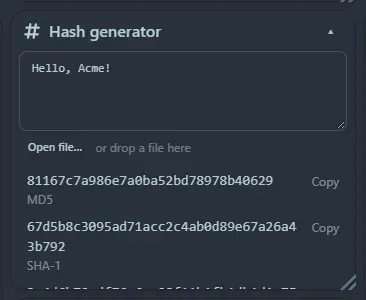
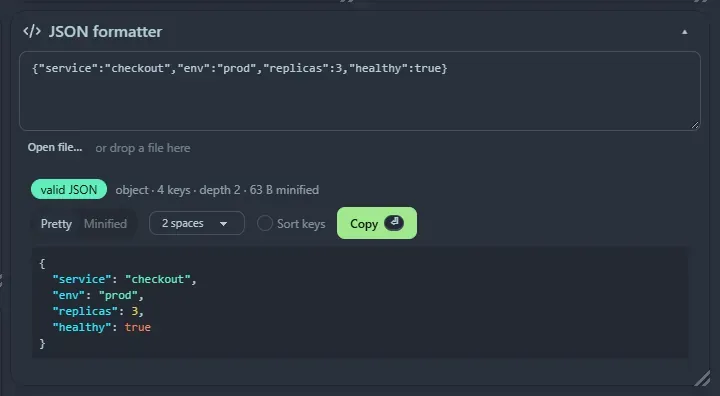
The tool widgets
Section titled “The tool widgets”| Category | Widgets |
|---|---|
| Calculators and converters | Calculator · Unit converter · Currency converter · Number base converter, byte size converter and bit calculator |
| Time | Timestamp converter · Cron explainer |
| Security and encoding | Password generator · Hash generator · Base64 · UUID generator · JWT decoder |
| Developer tools | Curl runner · JSON formatter · Regex tester · Text diff · CSV ⇄ JSON · JSON ⇄ YAML and JSON ⇄ TOML · chmod and umask calculators · Text case converter |
| Web and network | URL encoder and parser, HTML entities · IP and CIDR calculator · HTTP status codes, headers and MIME types · Open Graph viewer · Web search · Can I use · Ping, Traceroute and DNS records |
| Media and design | QR code generator · Lorem ipsum |
| Notes | Markdown previewer · Word and line counter |
The colour tool is the separate Colour picker widget.
Good to know
Section titled “Good to know”- Generators (password, UUID, lorem ipsum) show results straight away and have a ↻ button to make new values.
- What you type is not saved. A tool box can contain tokens, JSON or commands, so it is empty after a reload.
- Open a file instead of typing. The JSON, YAML/TOML, CSV, URL and HTML widgets have an Open file… button, and you can also drop a file onto the box. The file’s text is put in the box, as if you had pasted it. Files up to 1 MB are accepted, and they must be UTF-8 text. The text diff has the same button above each side; drop two files on it to fill Original and Changed together. The Hash and Base64 widgets take any file, up to 20 MB, and work on its raw bytes, so the hash matches what
sha256sumorcertutilgives for the file. Files are read in your browser and never uploaded. - Fetching tools (Open Graph viewer, Can I use) wait for a button or Ctrl+Enter where they would otherwise fetch on every keystroke, and say so in the tile.
- Keyboard shortcuts only apply while focus is inside that widget, and they use Ctrl+Enter, because plain Enter stays free for typing.
- Tools that need space, such as the regex tester and text diff, work best in a wide tile. Resize freely.
Support the project: Buy Me a Coffee or GitHub Sponsors.