
Users and permissions
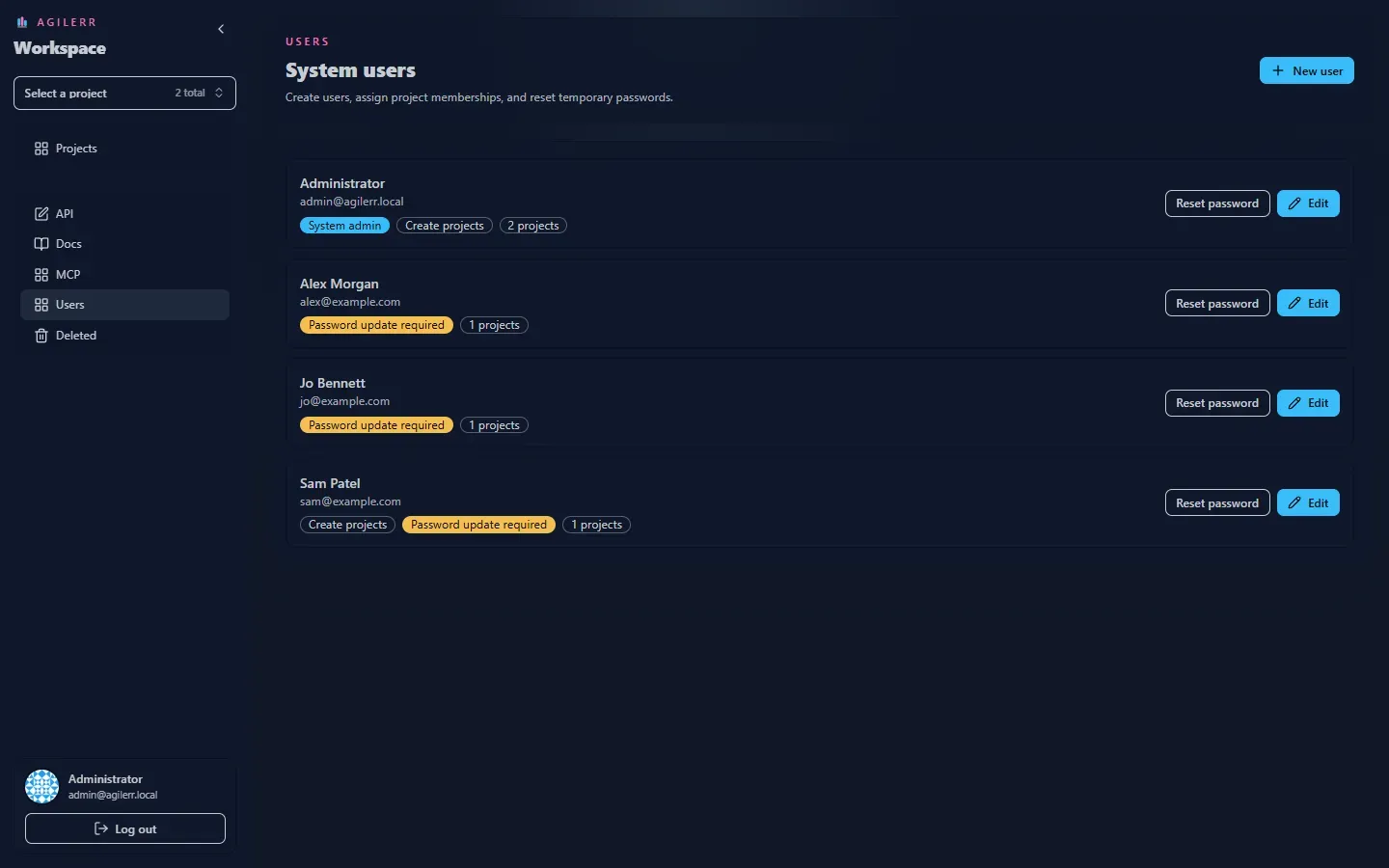
Only system admins manage users. Open Users in the sidebar.
Creating a user
Section titled “Creating a user”Create a user with an email and name. Choose whether they are a System Admin and whether they can Create Projects. The new account receives a temporary password and must change it at first sign-in before they can use the rest of the app.
Memberships
Section titled “Memberships”Add the user to the projects they should see and set their permissions in each one: View Projects, View Units, Edit Units, Delete Units, Add with AI, Edit Projects, Edit Project Settings and Project Admin. See the permissions model.
A user sees only the projects they are a member of.
Resetting a password
Section titled “Resetting a password”System admins can reset a user’s password from the Users page. The user gets a temporary password and must set a new one.
Changing your own password
Section titled “Changing your own password”Every user can change their own password. When an account is marked for first-use rotation, Agilerr blocks the app until a new password is set.
Accounts are admin-created
Section titled “Accounts are admin-created”There is no public sign-up. Accounts exist only because a system admin created them.
Support the project: Buy Me a Coffee or GitHub Sponsors.