
Install
Agilerr runs as one application. You need no separate database: PocketBase is embedded, so all you need is somewhere persistent for its data directory.
From a binary
Section titled “From a binary”Download the archive for your platform from agilerr.app, extract it and run it.
| Platform | Archive |
|---|---|
| Linux x64 | agilerr-linux-amd64.tar.gz |
| Linux ARM64 | agilerr-linux-arm64.tar.gz |
| macOS Apple Silicon | agilerr-darwin-arm64.zip |
| macOS Intel | agilerr-darwin-amd64.zip |
| Windows x64 | agilerr-windows-amd64.zip |
curl -L https://agilerr.app/downloads/agilerr-linux-amd64.tar.gz | tar xz./agilerrOn startup Agilerr prints the address it is listening on. If you did not set HTTP_ADDR it picks a random local port, and if you did not set AGILERR_API_KEY it generates a key for that run only and prints it. That is ideal for trying Agilerr out. For anything you will keep, set both explicitly. See Configuration.
The data lives in PB_DATA_DIR (default ./pb_data, next to where you started the binary). Back that folder up.
Check the version any time:
./agilerr versionWith Docker Compose
Section titled “With Docker Compose”curl -O https://agilerr.app/install/docker-compose.ymldocker compose up -dThe published compose file runs rmalcomber/agilerr:latest, maps port 8090, sets the admin account and API key through environment variables, and stores data in a named volume (agilerr_data mounted at /app/pb_data).
services:  agilerr:    image: rmalcomber/agilerr:latest    container_name: agilerr    restart: unless-stopped    ports:      - "8090:8090"    environment:      ADMIN_EMAIL: admin@agilerr.local      ADMIN_PASSWORD: change-me-now      HTTP_ADDR: 0.0.0.0:8090      PB_DATA_DIR: /app/pb_data      AGILERR_API_KEY: change-me-api-key      OPENAI_API_KEY: ""    volumes:      - agilerr_data:/app/pb_data
volumes: agilerr_data:Building the image from source
Section titled “Building the image from source”The repository also has a docker-compose.yml that builds from the checkout and reads a .env file:
cp .env.example .envdocker compose up --buildSign in
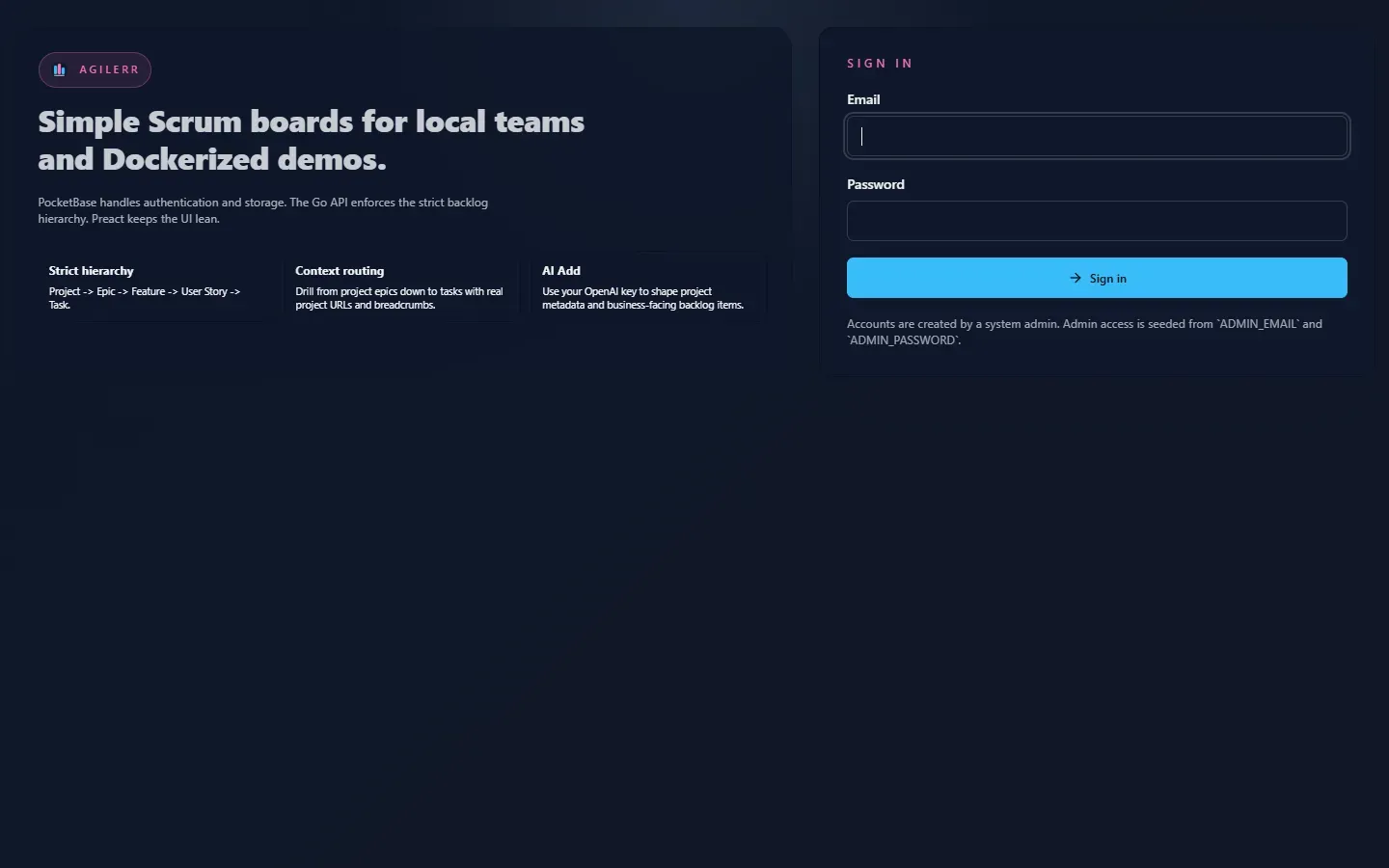
Section titled “Sign in”Open the address Agilerr printed (http://localhost:8090 for Docker) and sign in with ADMIN_EMAIL and ADMIN_PASSWORD.
Next: take the quick tour.
Support the project: Buy Me a Coffee or GitHub Sponsors.