
Kanban
Kanban pages show only the direct children of the current context:
| Page | Shows |
|---|---|
| Project board | epics |
| An epic’s board | its features |
| A feature’s board | its stories |
| A story’s board | its tasks |
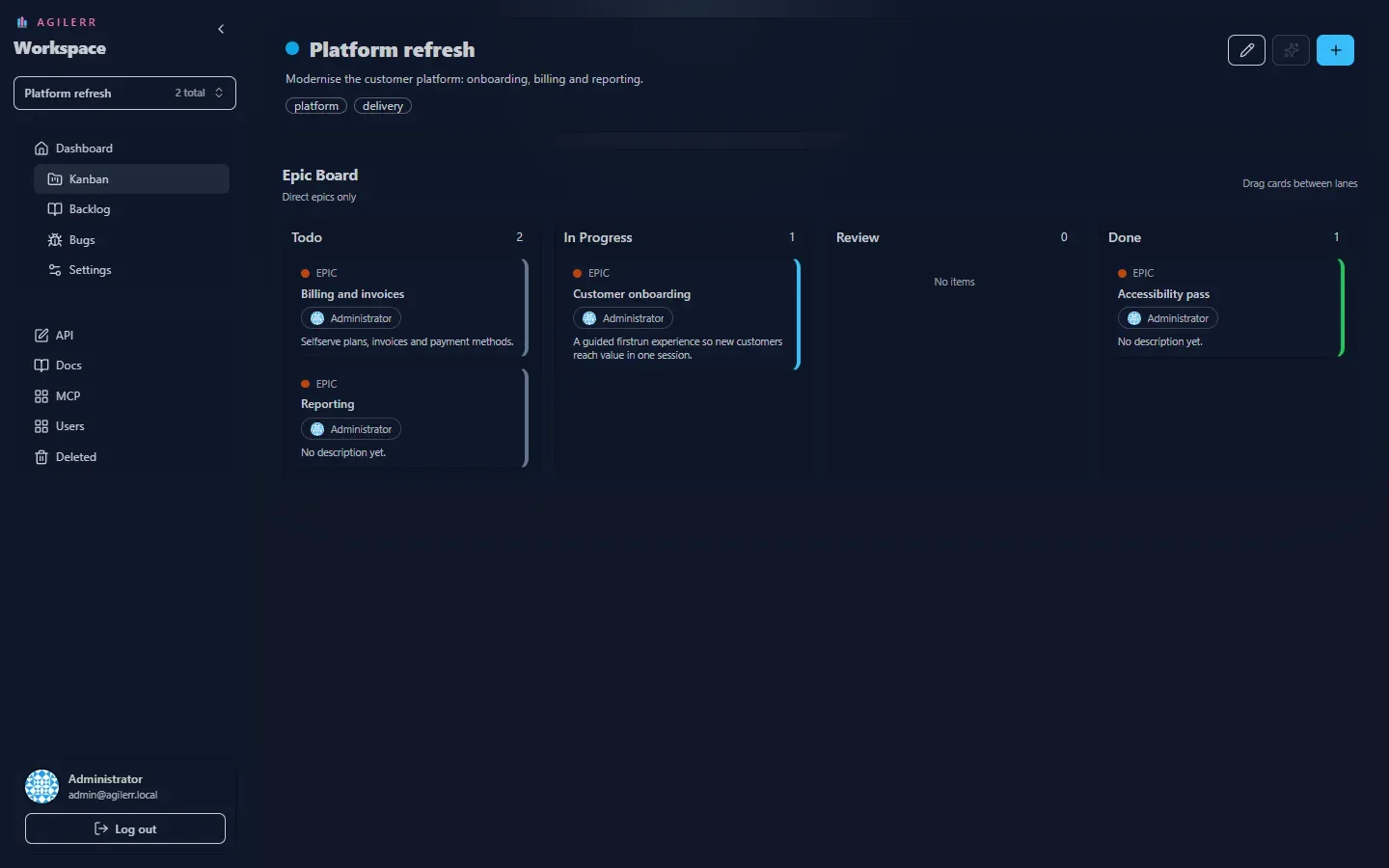
Todo, In Progress, Review and Done. Each lane header shows how many cards it holds.
Moving work
Section titled “Moving work”Drag a card from one lane to another to change its status. You need Edit Units. Without it you can view the board but not move cards.
Drilling in
Section titled “Drilling in”Open a card to see the board for the next level down, so you can work an epic’s features, then a feature’s stories.
Keyboard: G then K jumps to the kanban page.
Support the project: Buy Me a Coffee or GitHub Sponsors.