
Add and edit items
Open the form with the + button, a card’s + (add a child), the pencil (edit) or Ctrl+A. Submit with Save item or Ctrl+Enter.
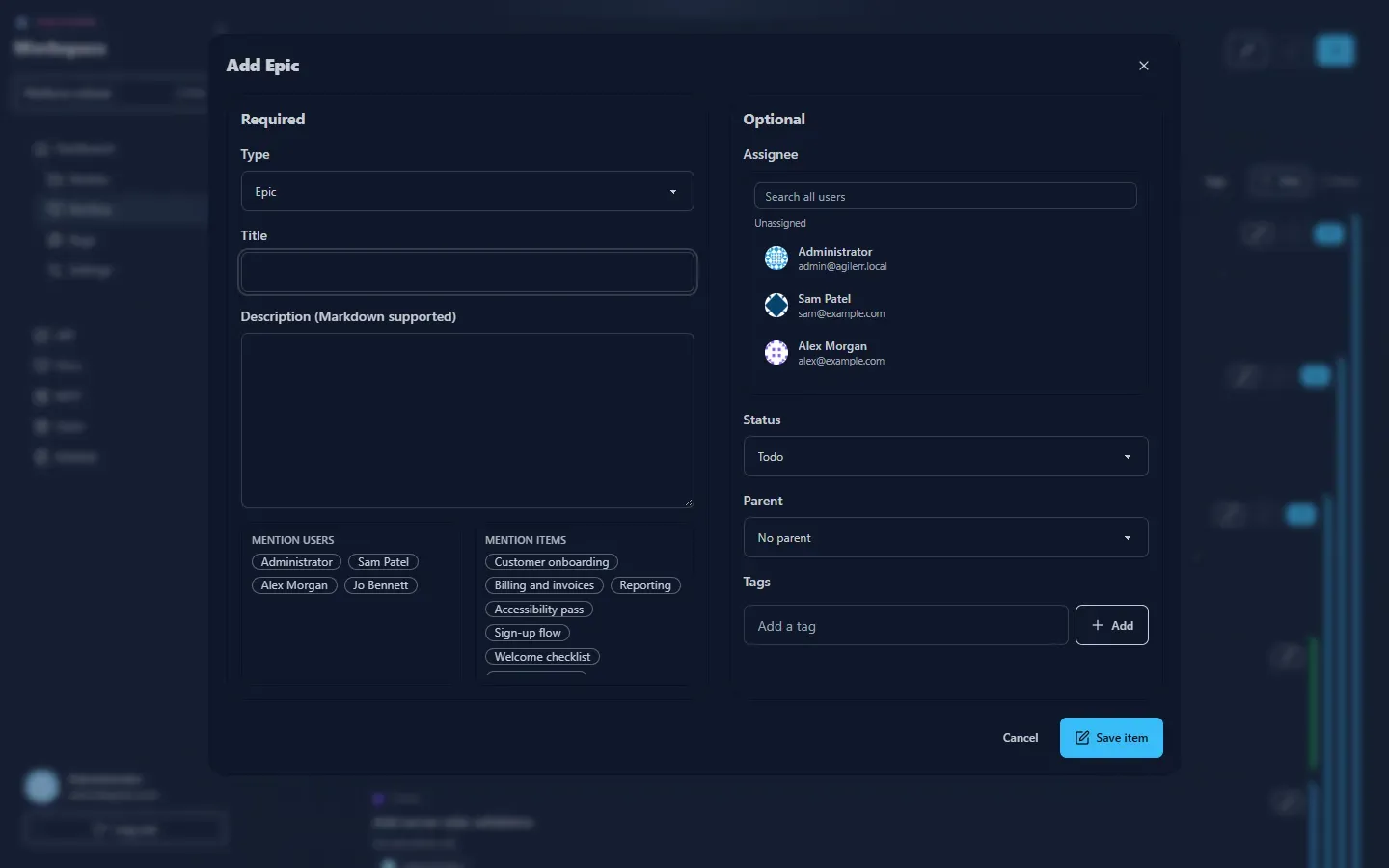
Required
Section titled “Required”| Field | Notes |
|---|---|
| Type | Epic, Feature, User Story, Task or Bug. The choices follow the hierarchy. |
| Title | A short summary. |
| Description | Optional, Markdown supported. |
Under the description are shortcuts to mention users and mention items: click a name to insert a mention.
Optional
Section titled “Optional”| Field | Notes |
|---|---|
| Assignee | Search all users, or leave unassigned. |
| Status | Defaults to Todo. Bugs start in Triage. |
| Parent | The item directly above, or none for an epic. |
| Tags | Type a tag and press Add. |
Editing
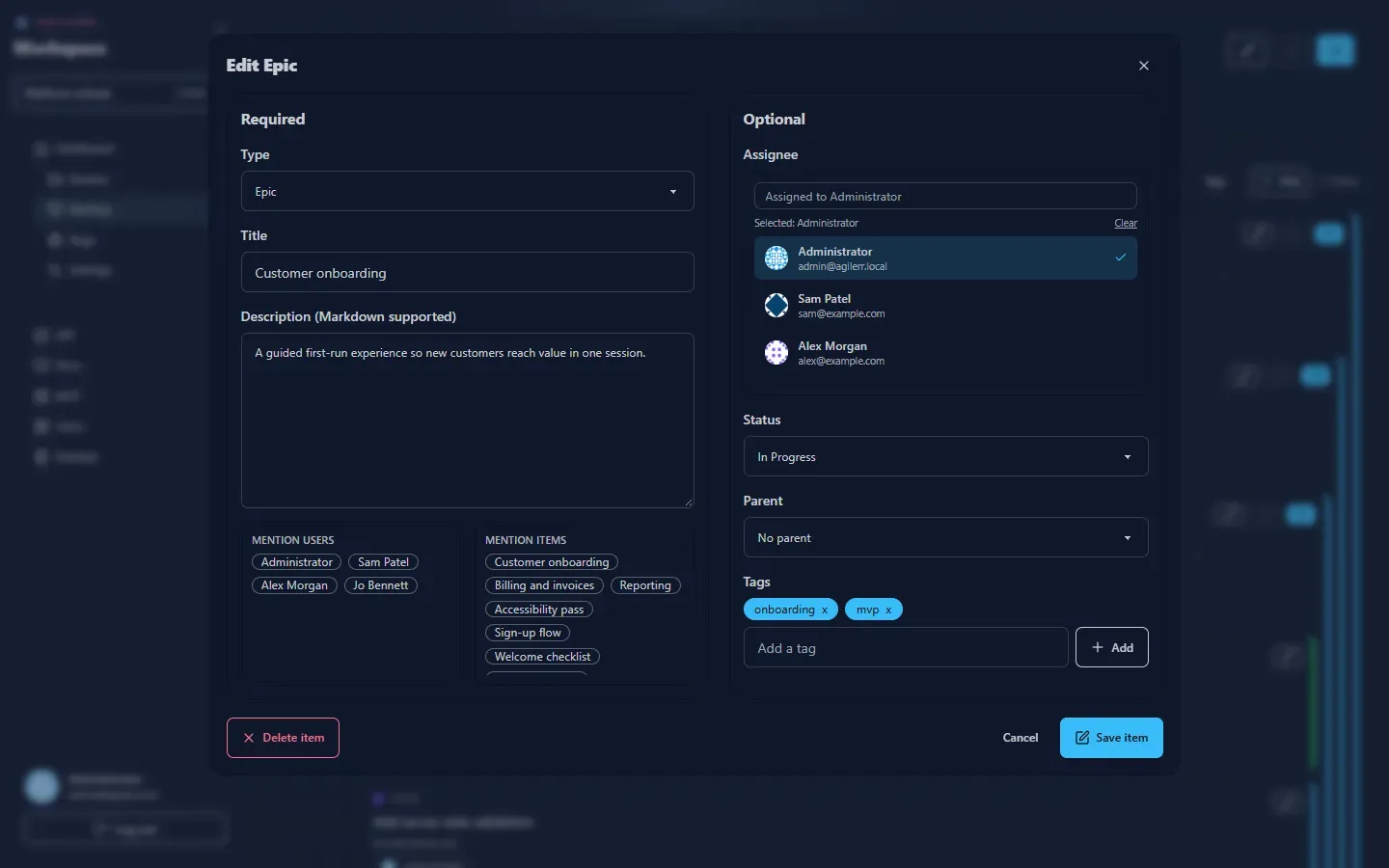
Section titled “Editing”Press the pencil on any card to change the same fields.
Moving
Section titled “Moving”Change status by dragging on the Kanban board or by editing. Deleting is covered in Deleting and recovery.
Permissions
Section titled “Permissions”You need Edit Units to add or change items.
Support the project: Buy Me a Coffee or GitHub Sponsors.