
Projects and settings
Visibility
Section titled “Visibility”Projects are only visible to users who are members of them. System admins can see them all.
Creating a project
Section titled “Creating a project”Use the project switcher. A project has a name, description, colour and tags. You need the Create Projects permission.
Project settings
Section titled “Project settings”Open Settings in the sidebar.
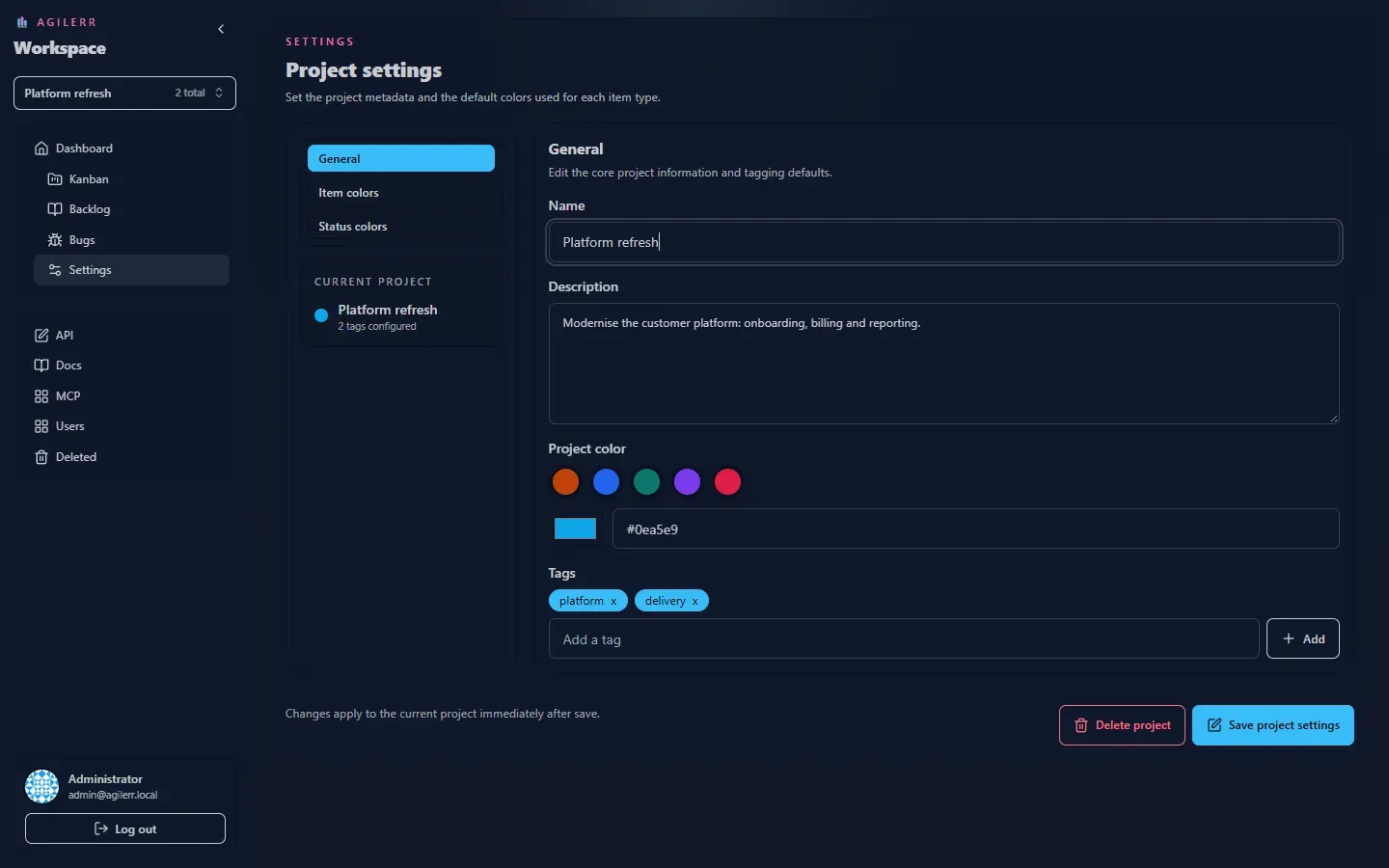
Settings are grouped. You can change the project metadata and the colours used for item types and statuses, which tint the cards and the board. Changing settings needs Edit Project Settings or Project Admin; editing metadata needs Edit Projects.
Keyboard: G then S jumps to settings.
Deleting a project
Section titled “Deleting a project”Deleting a project is a soft delete with a preview, covered in Deleting and recovery. It needs Project Admin.
Support the project: Buy Me a Coffee or GitHub Sponsors.